¶ User Registration
The registration process for Time Slot Control differs depending on whether you have the web address of the company where you want to create a time slot.
¶ I have the company web address
If you know the company's web address (e.g. https://xxx.timeslotcontrol.com), proceed as follows:
- On the login page, click the "Register user" button.
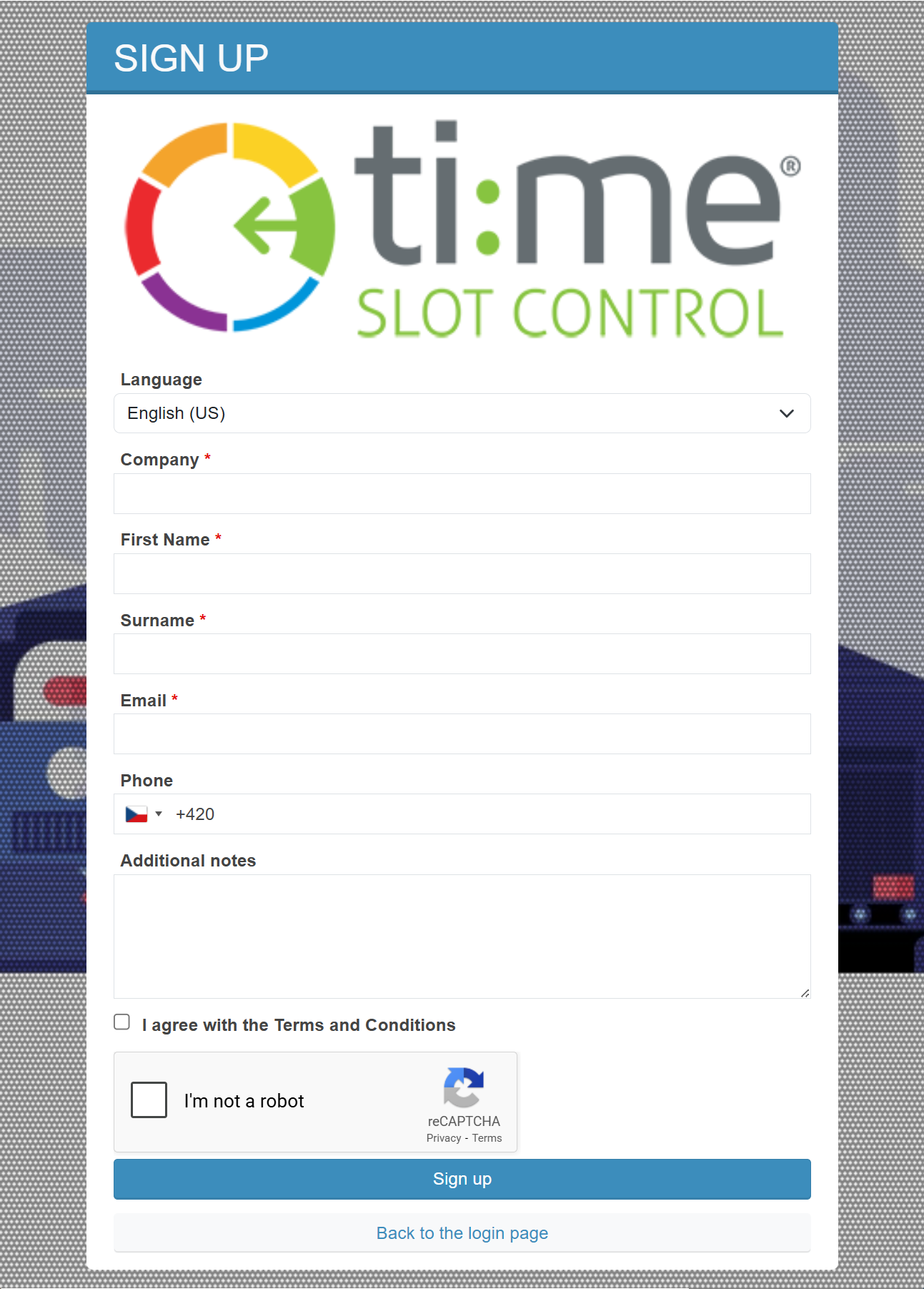
- Fill in the registration form:
- company name
- first and last name
- email address
- phone number
- Submit the form for approval.
After the company administrator approves the registration (for security and data protection reasons), you will receive your login credentials at the provided email address.
¶ I do not have the company web address
If you do not know the company's web address or cannot contact its administrator, use the carrier registration form:
Fill in the following details:
- first and last name
- your company name
- email address
- name of the company where you want to create a time slot
(if unknown, provide the loading / unloading address; this information is used to forward the request to the correct administrator, so accuracy is important for faster processing) - description of your request
Your request will be forwarded to the administrator of the relevant company as soon as possible. After approval, they will:
- create a user account
- arrange the sending of login credentials
¶ Important information
- Login credentials are only sent after the registration is approved by the company administrator (for security and data protection reasons).
- Each company manages its users' access independently.
- For faster processing, always provide accurate and complete information.
- The correct company name is essential for routing the request to the right administrator and significantly speeds up the approval process.
¶ Recommendation
Whenever possible, always register via the specific company web address - this is the fastest way to get your registration approved.