¶ User Files - Create
The New File form is used to upload a new document to the User Files section.
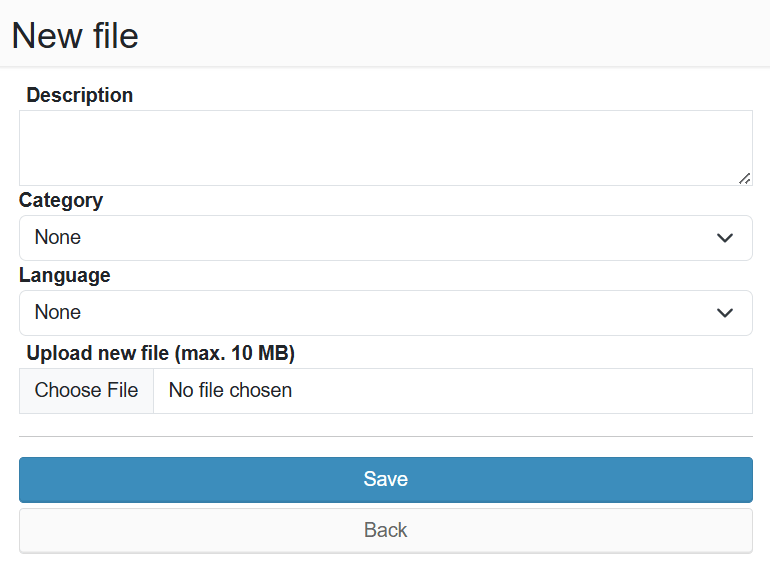
To create a new file, fill in:
- Description - brief description of the file content
- Category - assign the file to a category for easier searching
- Language - the language in which the file is created
- Upload new file - select a file from your device (max. 10 MB)
After filling in the form, click Save, or go back using the Back button.