¶ Cameras administration - List
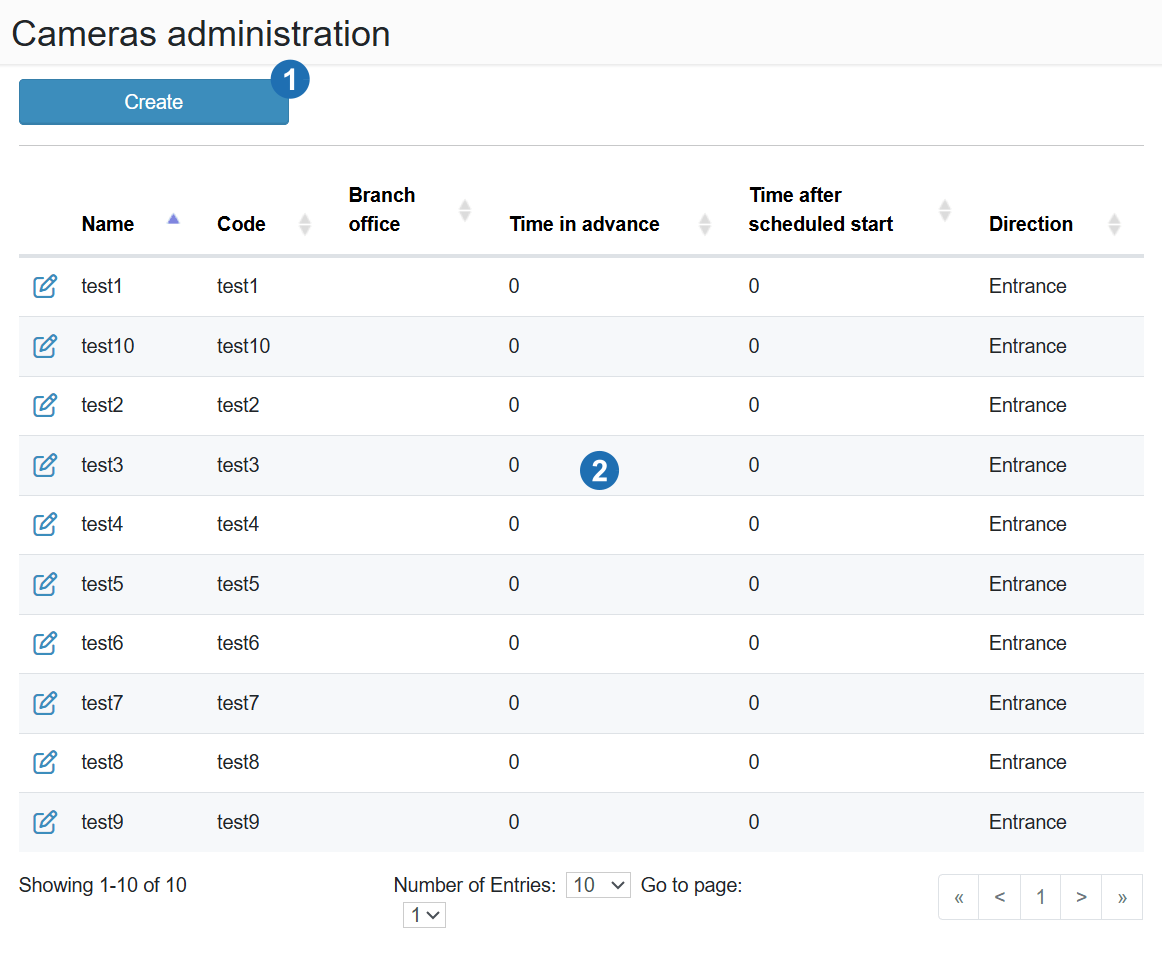
The page displays a list of all cameras connected to the system.
¶ Legend
1. Create
Button to add a new camera.
2. Table data
List of cameras (Name, Code, Branch, Lead time, Time after planned start, Direction); Edit icon to edit a camera.