¶ Reservations - Reservation designer
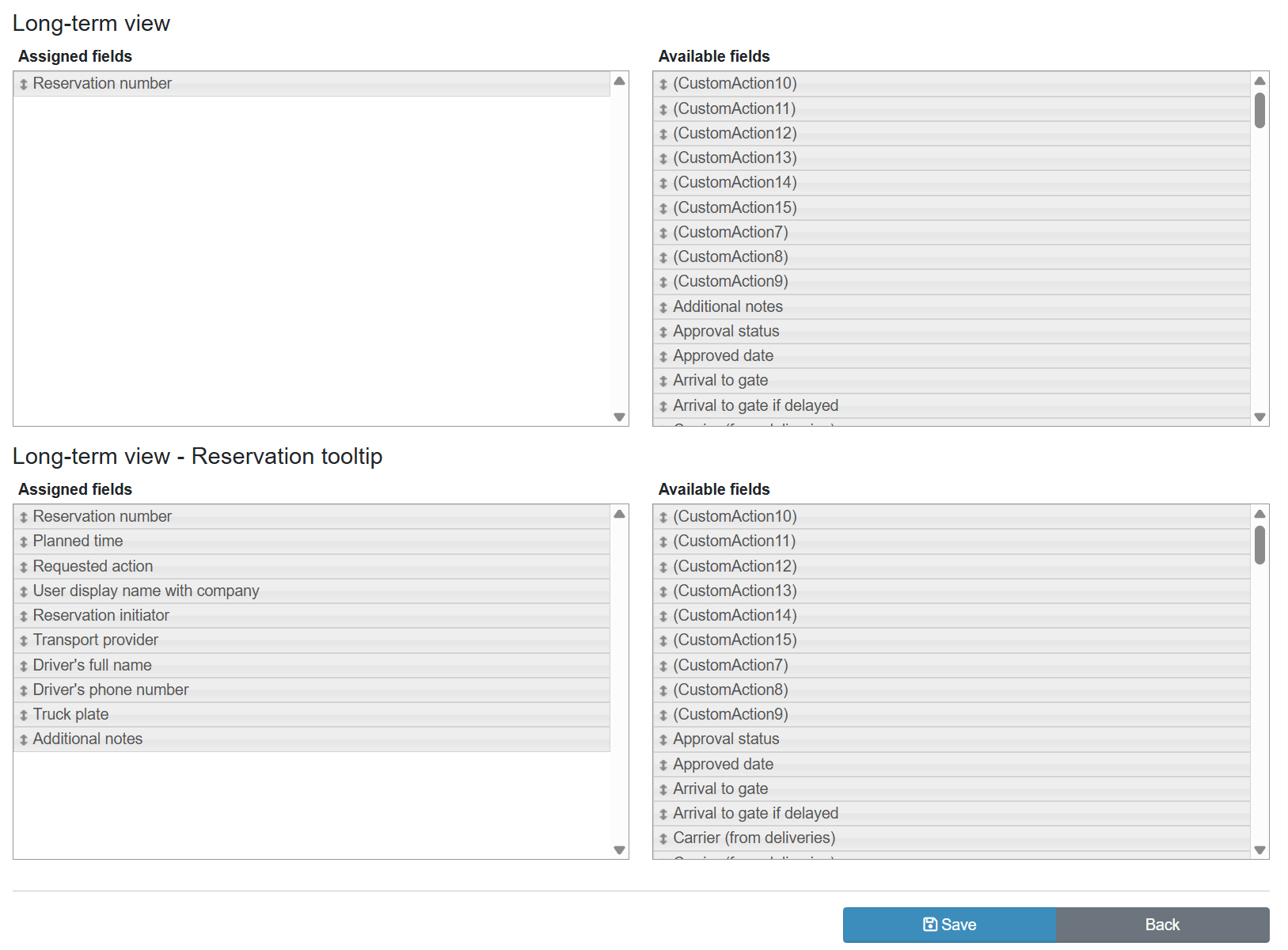
The Reservation designer lets you assign data fields to individual display sections of the reservation. Fields are organised into four sections and moved by drag-and-drop between the assigned and available field panels.
Reservation information shown in the action dialog (header and footer) is configured in the Action dialog designer.
¶ Legend
1. Reservation window
Section for configuring fields shown in the reservation window.
2. Reservation tooltip
Section for configuring fields shown in the tooltip when hovering over a reservation.
3. Long-term overview
Section for configuring fields shown in the long-term reservation overview.
4. Long-term overview
- Reservation tooltip
- Reservation tooltip
Section for configuring tooltip fields in the long-term overview.
5. Assigned fields
Panel with fields actively displayed in the given section; fields are added by dragging from available fields.
6. Available fields
Panel with fields available for assignment; drag into the Assigned fields panel to activate.
¶ Empty sections
Any of the four sections can be emptied completely – drag all fields back to the Available fields panel and save.
- Empty tooltip section (Reservation tooltip, Long-term overview - Reservation tooltip) – no tooltip is shown over the reservation. This applies to the daily and long-term overview and to the site map.
- Empty Reservation window – the calendar event is shown without text.