¶ User files administration - List
The page displays a list of all uploaded files with editing and new file upload options.
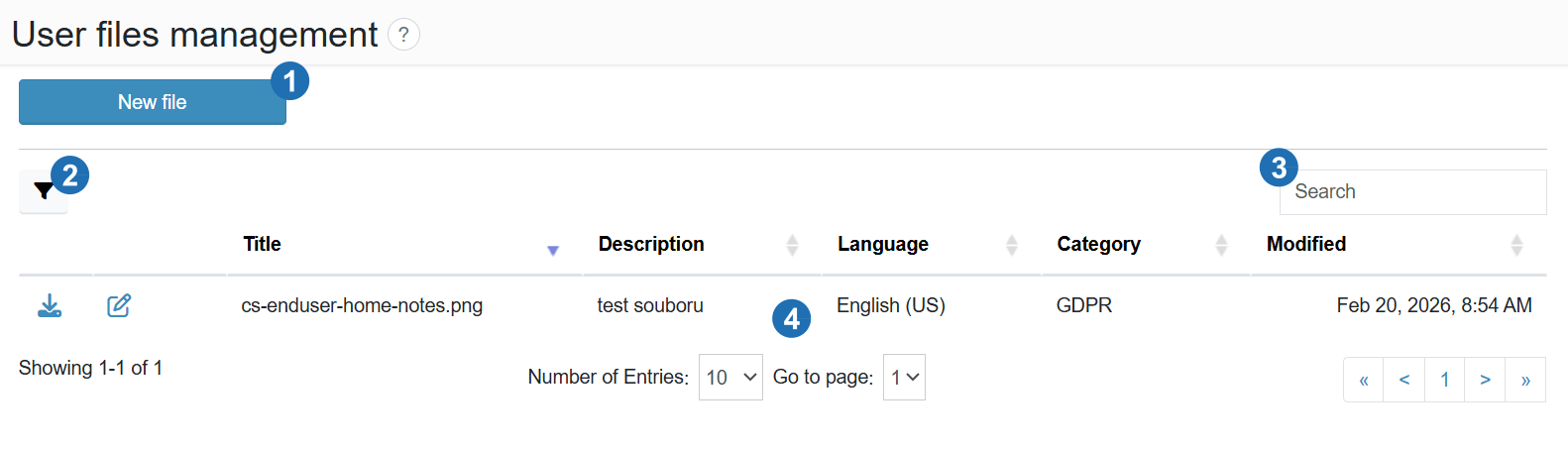
¶ Legend
1. New file
Button to navigate to the form for uploading a new file.
2. Filter
Advanced filtering of the file list.
3. Search
Search files by name or description.
4. Table data
Records of uploaded files with columns: Title, Description, Language, Category, Last modified.