¶ API Reference Guide - OData
¶ OData integration
¶ Time Slot Control - ERP integration
Three key entities are available for CRUD operations via OData:
- Company - company directory
- Order - transport order
- OrderRow - transport order rows
Users from the Stack of Orders add orders to the cart and create a reservation - no manual data entry required, data is pre-filled automatically.
This "cart → reservation" conversion is currently a manual step in the user interface (drag & drop from the order cart onto the schedule). Creating
Order/OrderRowrecords via OData does not automatically create a matching reservation - theExistsInReservationflag staysfalseuntil the conversion happens. To trigger it programmatically, callPOST /v3/{tenant}/Reservations/CreateFromOrderson the REST API v3 - see the API Reference Guide for the full request format.
The
Reservationentity itself is also exposed via OData, but only for reading and for updating the note / custom fields (via the boundPatchaction). Creating a reservation or writing fields such as carrier, vehicle type, driver or licence plates requires the REST API v3 endpoints (POST/PUT /v3/{tenant}/Reservations) described in the API Reference Guide.
¶ Special functions *ByIntegrationId
Functions with the ByIntegrationId suffix (e.g. PutCompanyByIntegrationId) allow updating a record directly using the ERP identifier - the ERP does not need to first look up the primary key in TSC.
¶ Supported OData operators
Supported: $select, $orderby, $top, $skip, $count, $filter
Not supported: $expand
¶ HTTP methods
GET- retrieve dataPOST- create a recordPUT- update the entire recordPATCH- update selected properties (not the entire object)DELETE- delete a record
Detailed guide: https://www.odata.org/getting-started/basic-tutorial/
¶ Recommended integration steps
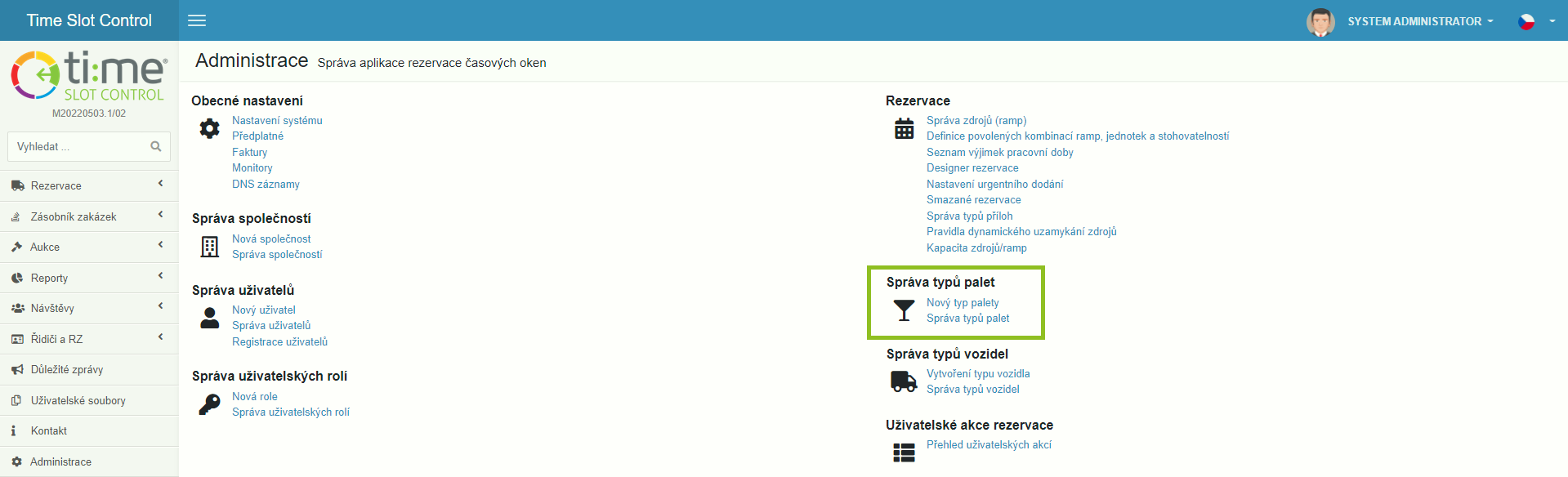
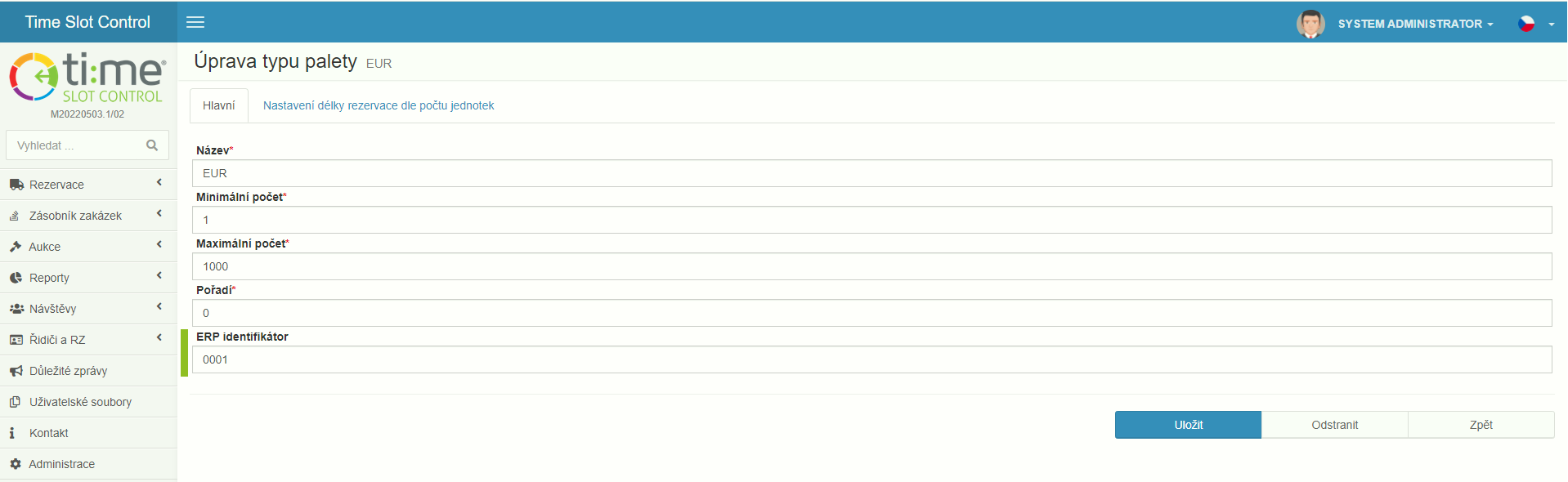
- Create packaging units in Time Slot Control according to ERP and assign ERP identifiers (required for correct unit matching in order rows)
- Sync the company directory -
Companyentity, make sure to fill in theIntegrationIdfield (PK in ERP) - Integrate the
Orderentity - most metadata is optional, recommended fields listed below - Integrate the
OrderRowentity
¶ Recommended metadata
Detailed entity specification is available in the OData metadata at:
https://api.timeslotcontrol.com/odata/v1/{tenant}/$metadata
¶ Order entity
Id(Edm.Guid) - PK in TSC, do not fill when creatingIntegrationId(Edm.String) - PK in ERPOrderDate(Edm.DateTimeOffset) - order date in ERPDeliveryDate(Edm.DateTimeOffset) - planned delivery dateOrderNumber(Edm.String) - order numberOrderType(TSC.API.ODATA.OrderType) - purchase / salesPaymentTerms(Edm.String) - payment termsPurchaseOfficer(Edm.String) - name of the user who created the order in ERPTermsOfDelivery(Edm.String) - IncotermsSupplier/Recipient/Customer/Carrier(object) - if*Idor*IntegrationIdis filled, other metadata is not required if the company exists in TSC directory
Company fields (Supplier, Recipient, Customer, Carrier):
Id(Edm.Guid) - PK in TSC, do not fill when creatingIntegrationId(Edm.String) - PK in ERPName(Edm.String) - company nameStreet(Edm.String) - streetCity(Edm.String) - cityPostalCode(Edm.String) - postal codeCountry(Edm.String) - countryIdentificationNumber(Edm.String) - company registration numberVAT(Edm.String) - VAT number
¶ OrderRow entity
Description(Edm.String) - row descriptionIntegrationId(Edm.String) - ID in ERPNumberOfUnits(Edm.Int32) - number of packaging unitsOrderId(Edm.Guid) - order ID (TSC PK)OrderIntegrationId(Edm.String) - order ID (ERP PK), alternative toOrderIdUnitId(Edm.Guid) - packaging unit ID (TSC PK)UnitIntegrationId(Edm.String) - packaging unit ID (ERP PK), alternative toUnitIdOrder(Edm.Int32) - row order within the order
¶ API Reference (Scalar UI)
Time Slot Control provides interactive API documentation built on Scalar - a modern interface for browsing and testing API endpoints directly in the browser without any programming required.
URL: https://api.tscsandbox.com/
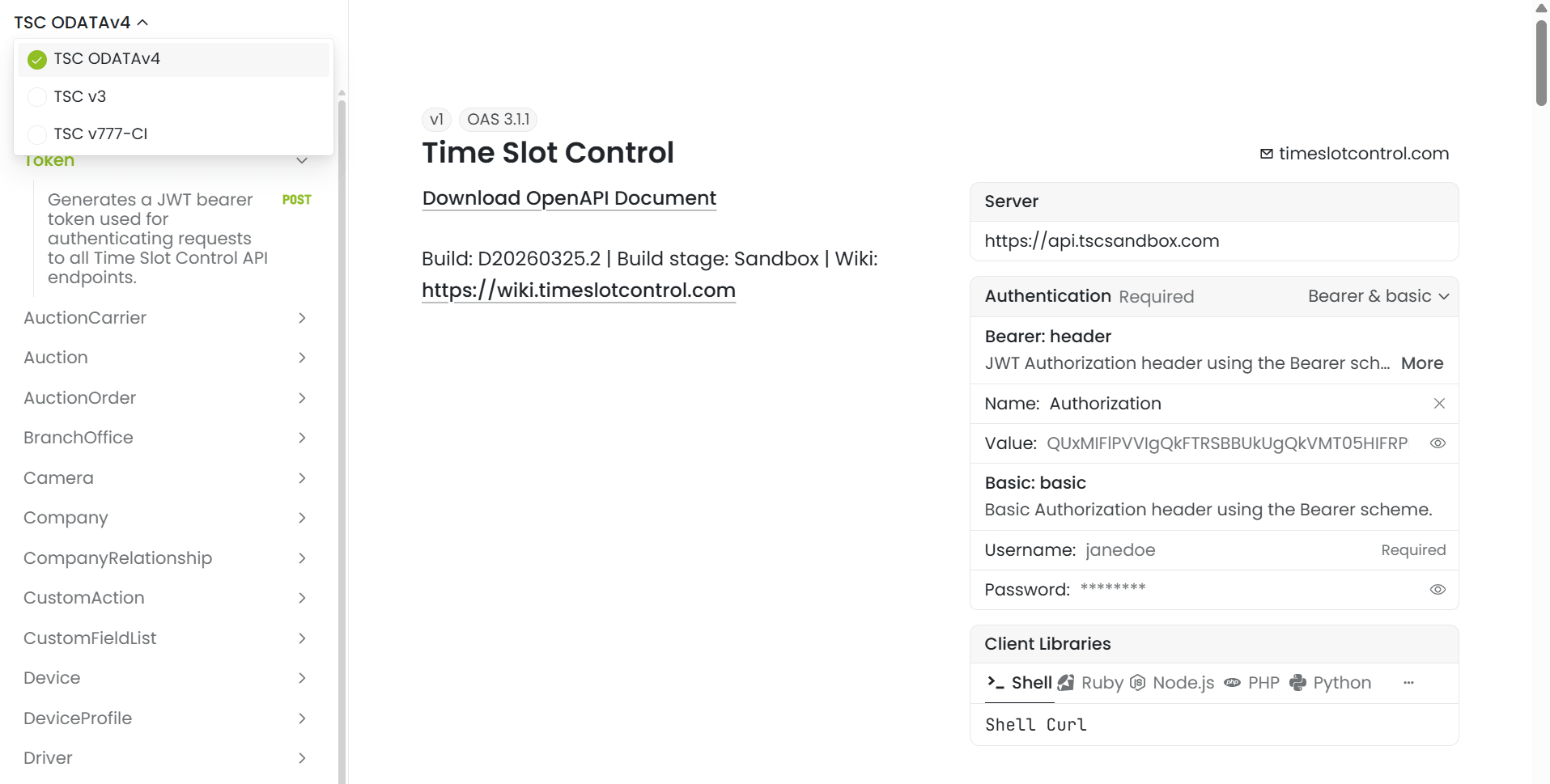
The interface contains 205 endpoints across 44 sections (Token, Reservation, Order, Company, Driver, Visitor and others). The left panel shows navigation, the center shows endpoint details including call examples, and the right panel contains authentication and code samples.
Steps:
- Open
https://api.tscsandbox.com/in your web browser - Browse available entities and endpoints in the left menu
- Authenticate by entering your token in the right panel Authentication → Bearer: header → Value (or credentials in the Basic: basic section)
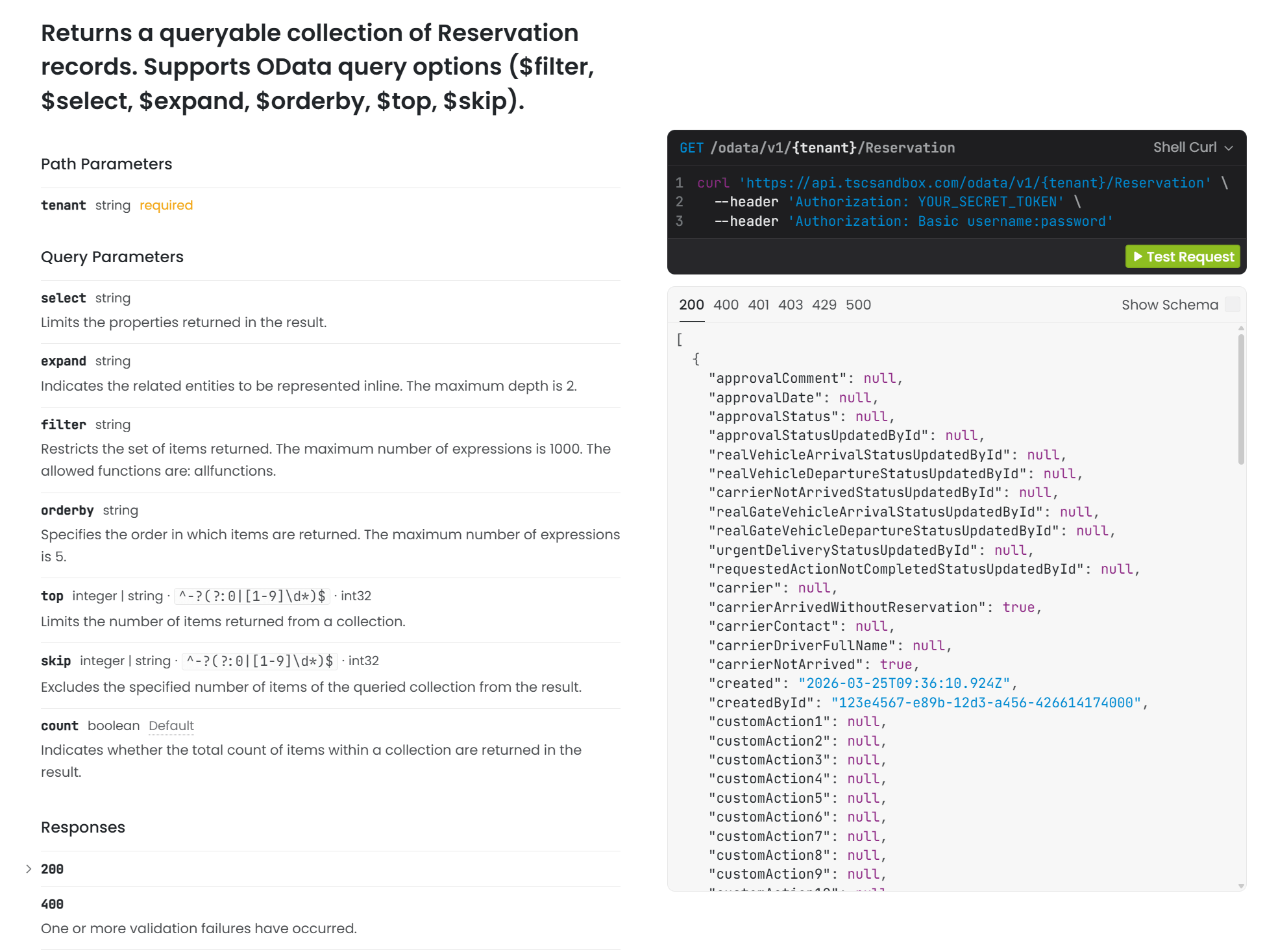
- Click an endpoint, fill in the parameters and test the call - the interface also generates the corresponding cURL command
Example OData call (Reservation entity):
¶ Examples
¶ Connecting Microsoft Excel via OData
- Open Microsoft Excel
- Switch to the Data tab
- From the menu select Get Data > From Other Sources > From OData Feed
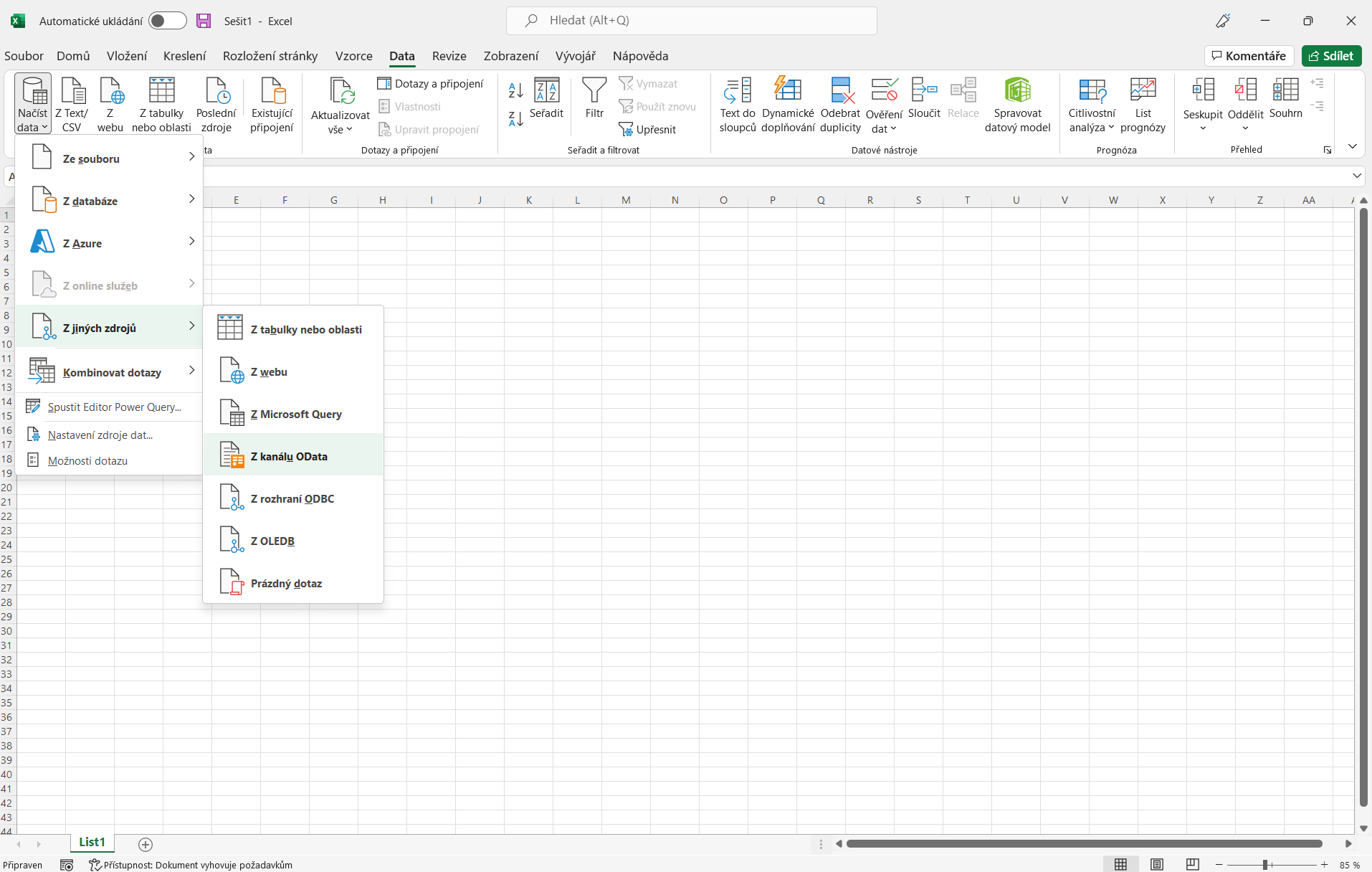
- In the "URL" field enter:
https://api.timeslotcontrol.com/odata/v1/[tenantname]

- Switch authentication to "Basic"
- Enter the API account username and password and click "Connect"

- A list of available Time Slot Control entities will appear:

- Load data from one or more entities into tables or generate pivot tables and charts
- After saving the workbook, data can be refreshed at any time via Refresh All (Data tab)
Microsoft Excel supports read-only access - you can connect directly to the production environment without needing to test on sandbox.
¶ Connecting Power BI via OData
The process is analogous to Microsoft Excel. Power BI allows you to create interactive reports and dashboards based on Time Slot Control data in real time.