¶ User Login
You can log in to Time Slot Control via the web address
https://xxx.timeslotcontrol.com, where "xxx" represents the unique company identifier for which you will be creating time slots.
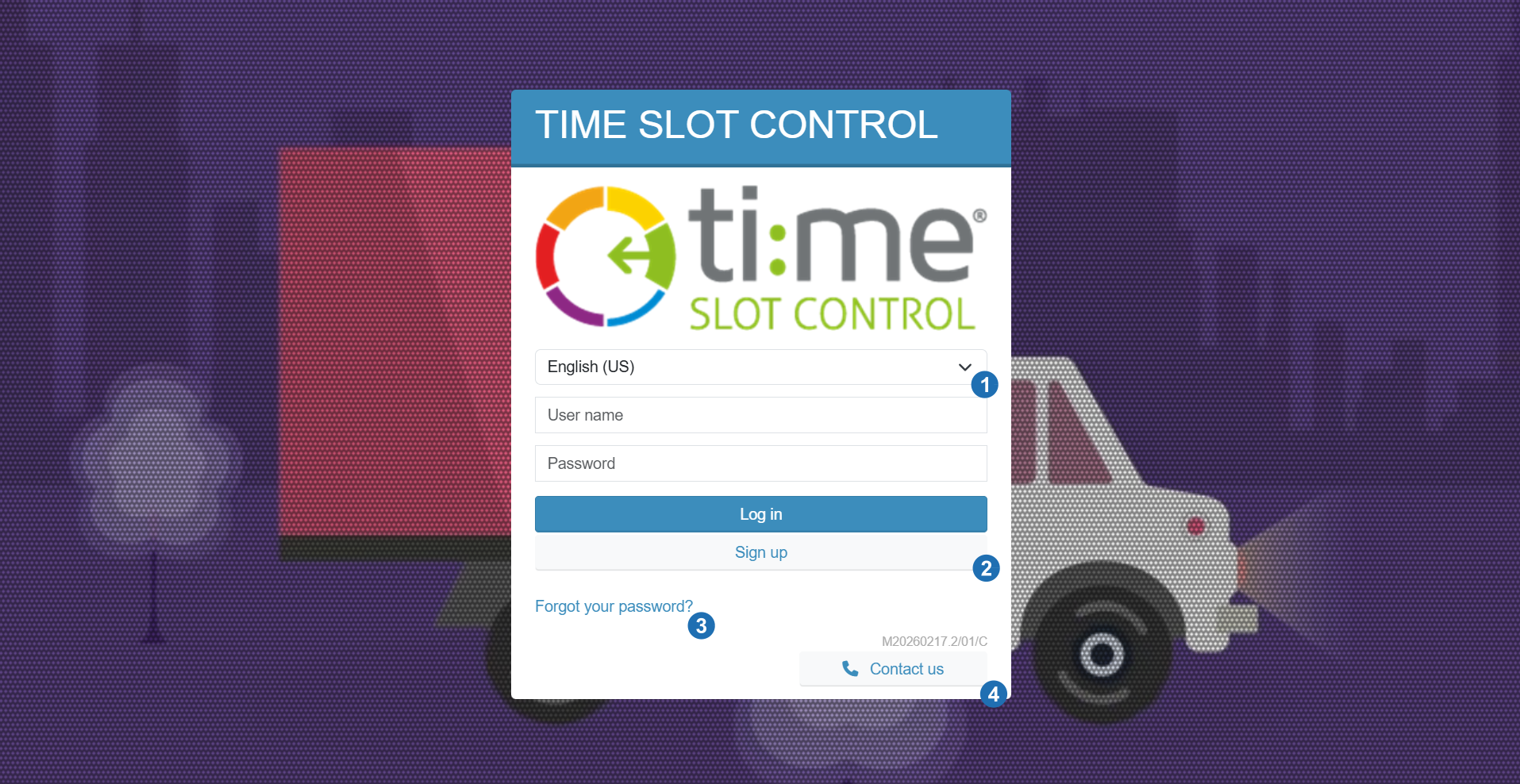
Use the login credentials that were sent to you by email or provided through a third party.
If you have not received your credentials, go to the registration form using the "Register user" button.
For detailed information about registration, see the Registration section.
¶ Legend
- Language change - select from available language versions of the application
- Forgot password - form for restoring access in case of a lost password
- Contact us - option to reach support for questions or issues
- Register user - create a new user account via the registration form
¶ Login via social accounts
The application supports login through an external account. Available options:
- Microsoft
Click the corresponding button on the login page and you will be redirected to the authorization page of the selected provider. After successful verification, you will be returned to the application.
Login via social accounts must be enabled by the system administrator. If the buttons are not displayed, this option is not active in your installation.