¶ Time Slot Control - Language Selection
The application language can be changed in two places - before and after login. The change takes effect immediately without reloading the page.
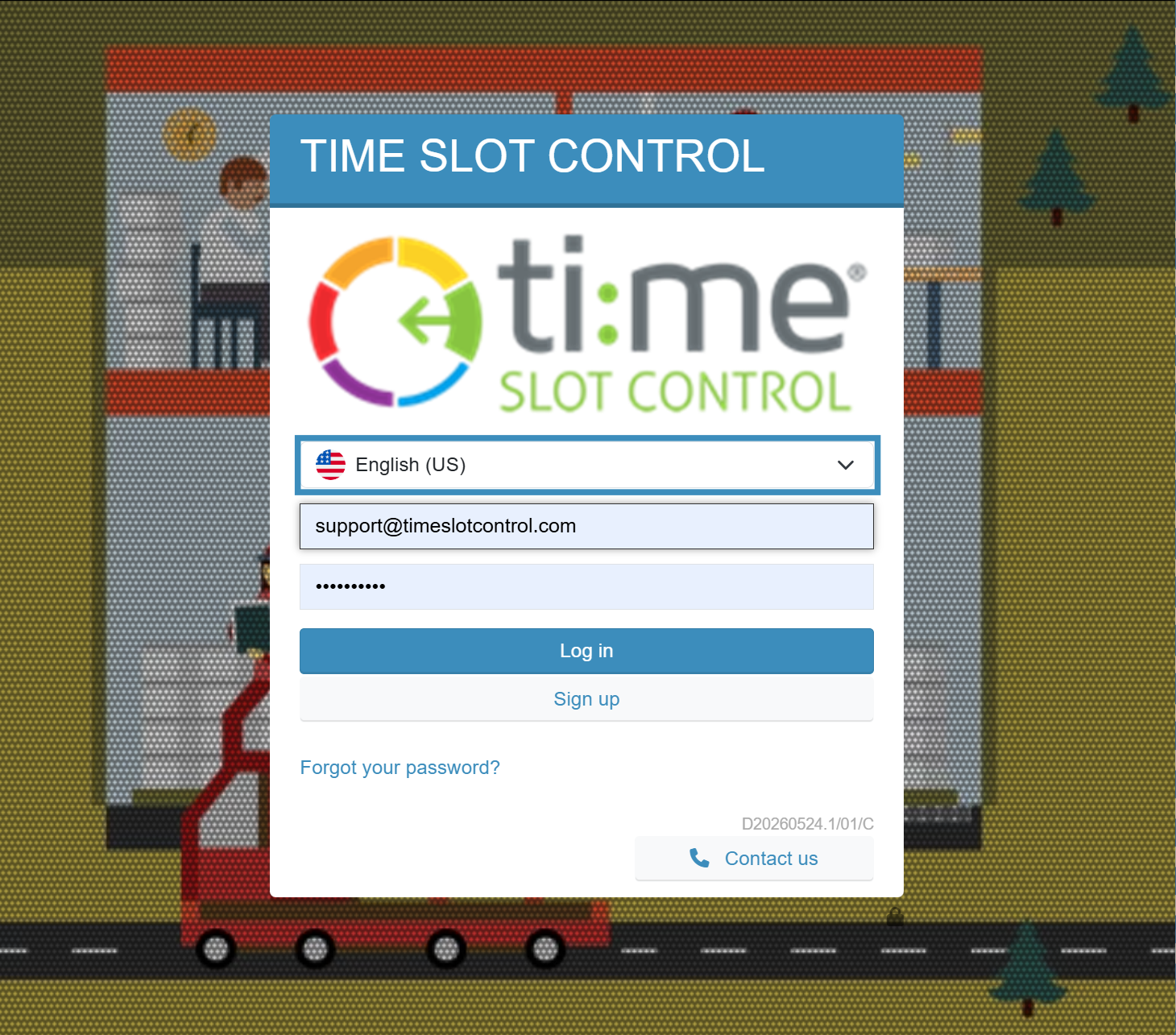
¶ Before login - login page
A language dropdown is available above the email field on the login page. Selecting a language immediately switches the entire user interface.
¶ After login - application header
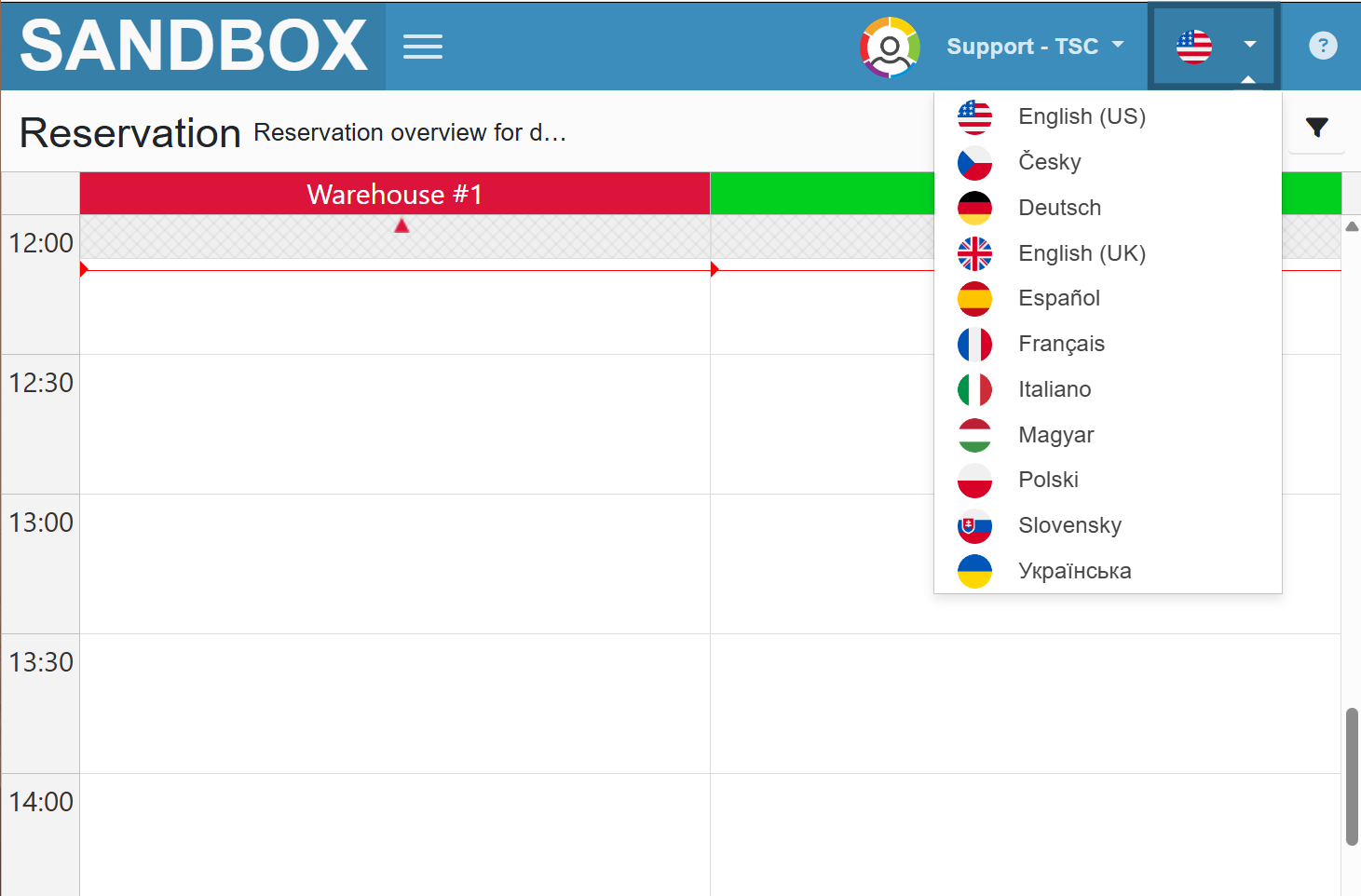
After logging in, the language switcher is available in the top right corner of the application as a flag icon next to the logged-in username. Clicking it opens a dropdown with all available languages and their flags. The change takes effect immediately.
¶ Available languages
English (US), Česky, Deutsch, English (UK), Español, Français, Italiano, Magyar, Polski, Slovensky, Українська