¶ Order Stack - Import
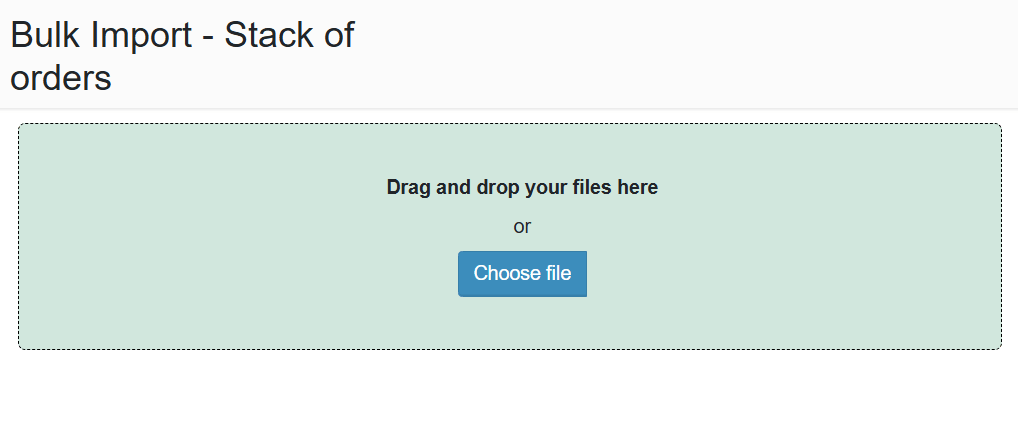
The Import section is used for bulk uploading of orders into the stack. It allows quick entry of large volumes of data without the need for manual input.
¶ How it works
The user uploads a file with a defined structure (e.g. Excel). The system processes the data and creates individual orders in the stack.
Imported orders are typically placed in the Unconfirmed status.
¶ File format
The supported format is Excel (.xlsx). The file must follow a prescribed column structure.
It typically contains:
- order type
- supplier / recipient
- date of order / delivery
- carrier
- quantity and unit type
¶ Import process
After uploading the file, the system performs a data validation check.
If everything is correct, the orders are created in the system.
In case of errors:
- the system flags invalid rows
- erroneous records are not imported
¶ Use cases
- Bulk creation of orders
- Data migration from external systems
- Manual import without an API connection
¶ Benefits
- Significant time savings when entering data
- Reduced error rate
- Easy integration with external systems