¶ Order Stack - Cart
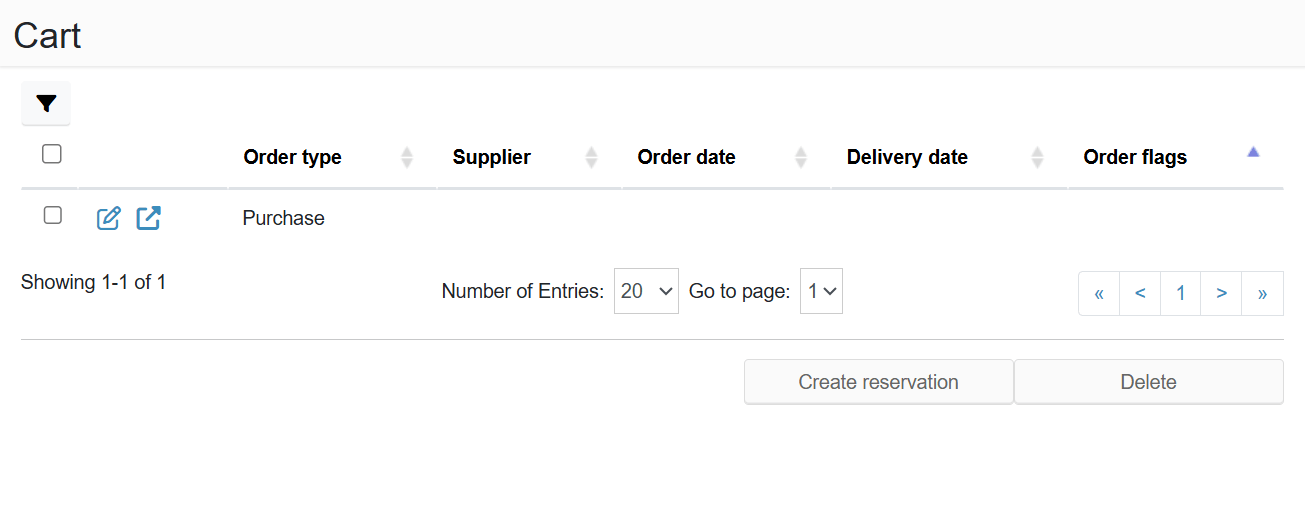
The Cart section is used to prepare orders for creating a time slot reservation. It works similarly to a shopping cart in an e-shop.
¶ How it works
Orders can be added to the cart from the Confirmed section using the Add to cart button. Selected orders are saved to the cart and ready for further processing.
¶ Creating a reservation
After adding orders to the cart, the planning calendar is displayed. The user selects a free time slot.
When creating the reservation:
- data from the orders is automatically pre-filled into the reservation form
- a separate Delivery section is created for each order
The user fills in any missing details and saves the reservation.
¶ Status after reservation is created
Once the reservation is successfully created, items are automatically removed from the cart and moved to the Reserved section.
¶ Reusing orders
Orders can be added to the cart again to create another reservation. A single order can therefore be used for multiple time slots.
All created reservations are available in the order detail under the Related reservations section.
¶ Benefits
- Quick reservation creation without manual data entry
- Automatic pre-filling of information
- Easy management of multiple orders at once