¶ Reservation - Edit reservation
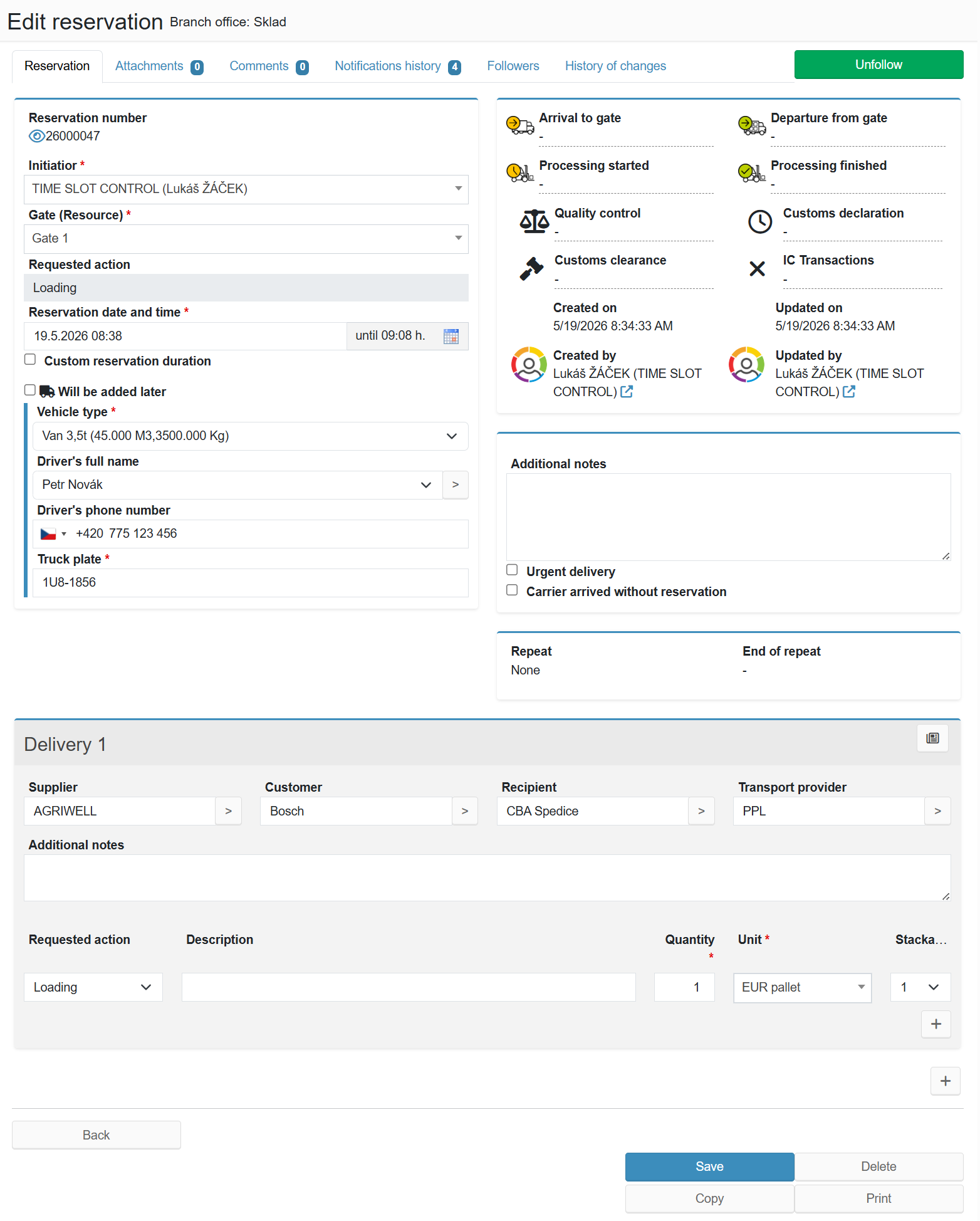
The form for editing an existing reservation. It consists of six tabs - Reservation, Attachments, Comments, Notifications history, Followers and History of changes - and a milestone panel in the right column showing the progress of the reservation.
¶ Form tabs
¶ Basic fields (left column)
¶ Milestone panel (right column)
The panel displays an overview of key moments in the reservation's progress. Each milestone shows the date and time it was reached, or a dash if it has not occurred yet. The displayed milestones are configurable.
¶ Additional fields and recurrence (right column)
¶ Delivery
Each reservation contains one or more Delivery sections. Add a new section using the + button below the last row.
¶ Custom fields
The reservation form supports custom fields that an administrator can name and enable in System Settings - Reservation Custom Fields. Fields appear in the relevant part of the form.
¶ Attachments tab
¶ Comments tab
¶ Notifications history tab
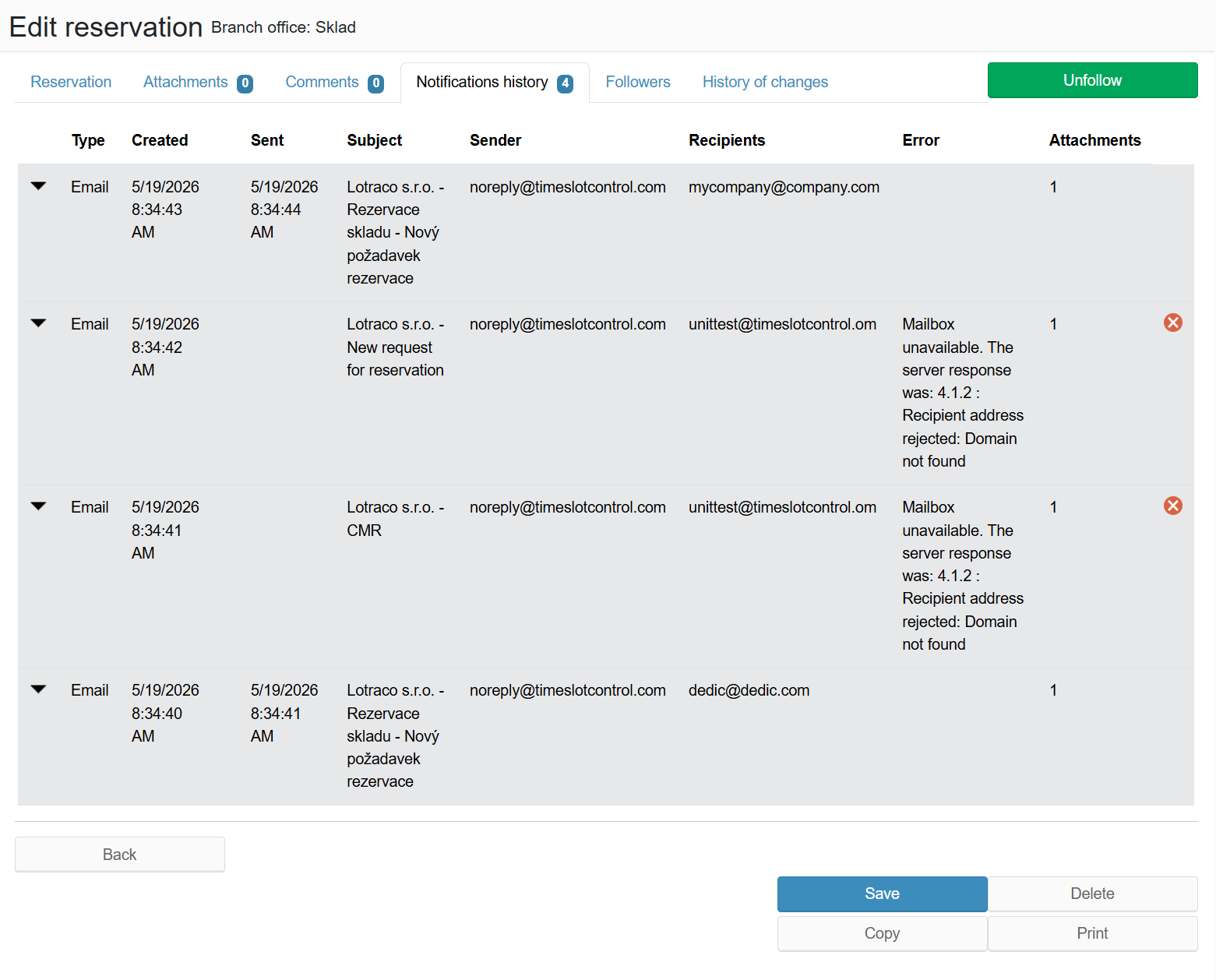
The table lists all sent notifications for this reservation with columns: Type (Email, SMS), Created, Sent, Subject, Sender, Recipients, Error (if any), Attachments. Clicking the arrow on the left expands the message detail. Records with a delivery error are marked with a red icon.
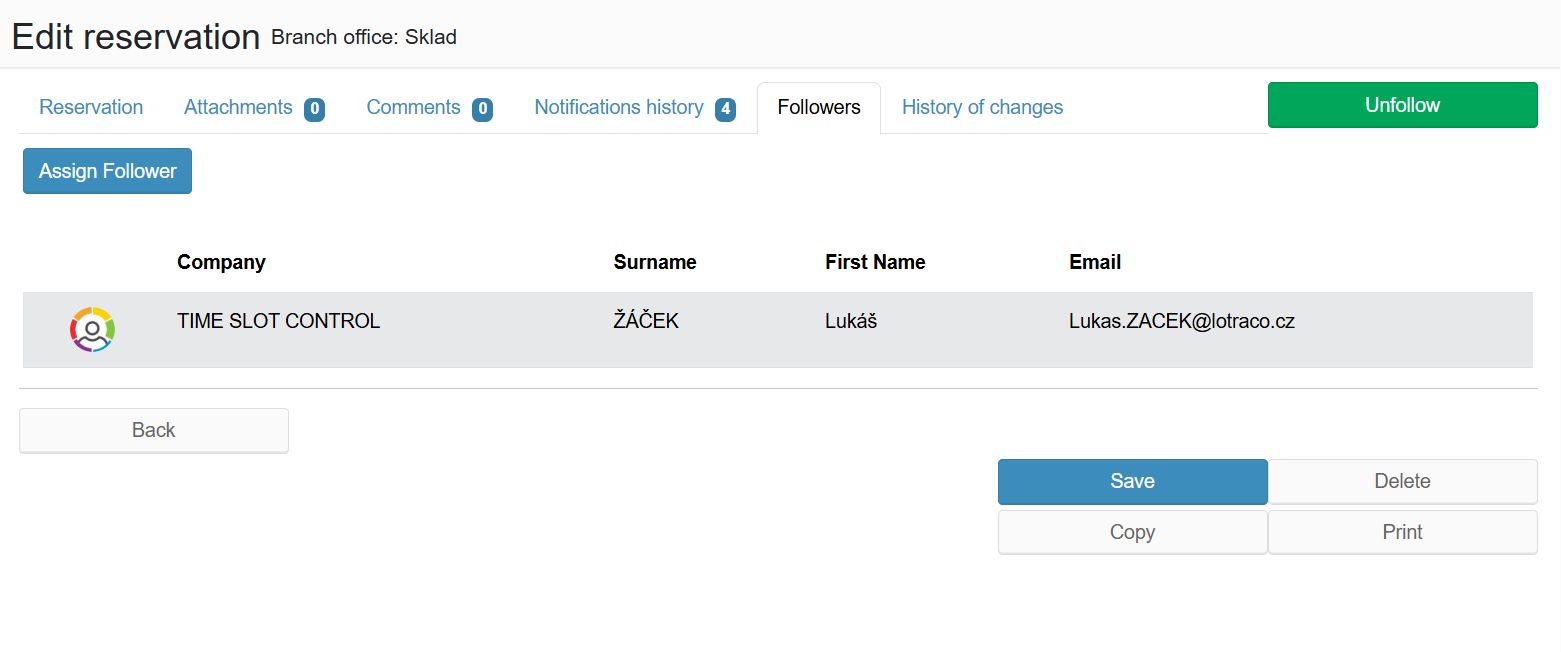
¶ Followers tab
¶ History of changes tab
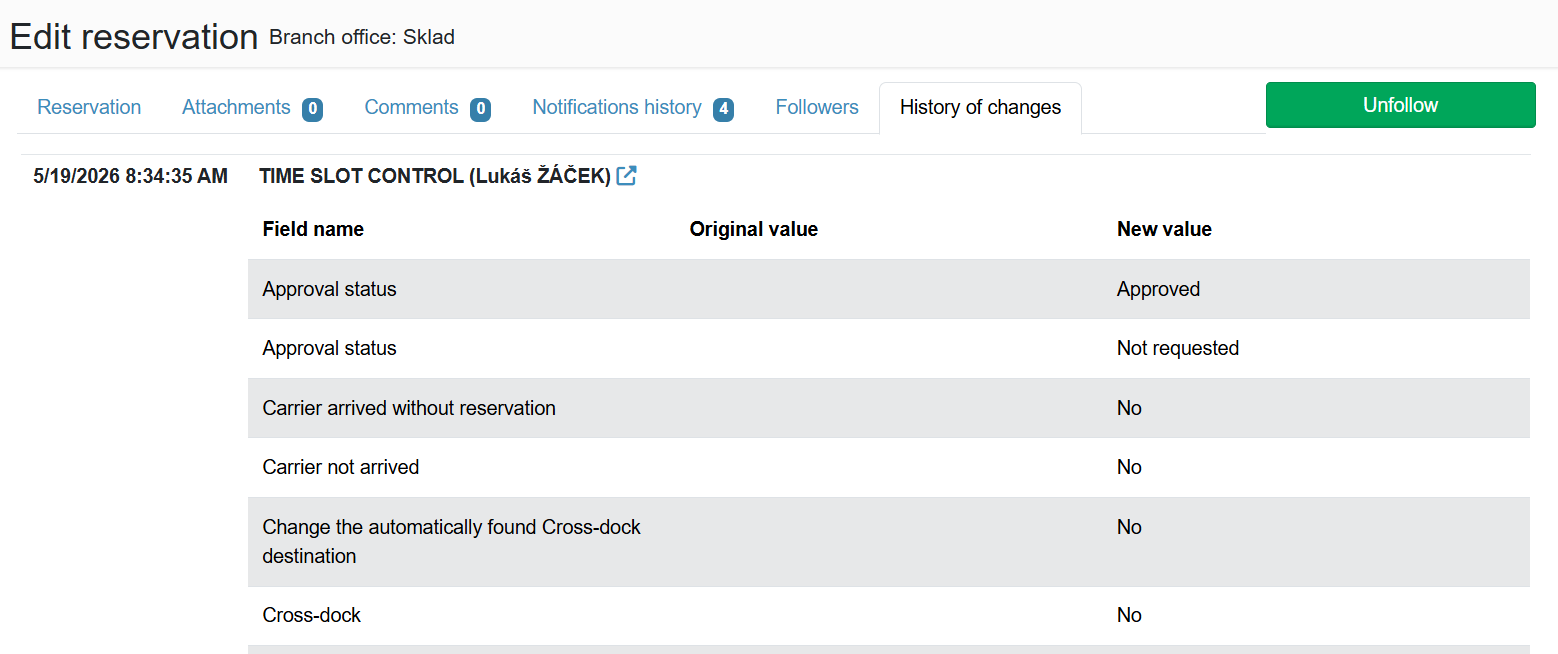
Audit log of all edits to the reservation. Each record shows which user made the change, which fields were modified (original and new value), and when the change occurred.