¶ Branch offices administration - New branch office
The form is used to create a new branch or edit an existing one. A branch represents a single physical site (warehouse, distribution centre, plant) within the system deployment. Each branch has its own reservation calendar, its own resources (docks) and its own users. Branch-level settings for the overview, workflow (vehicle arrival/departure logging), freezing and form field visibility can override the system-wide defaults. The form is divided into two tabs: General and Location.
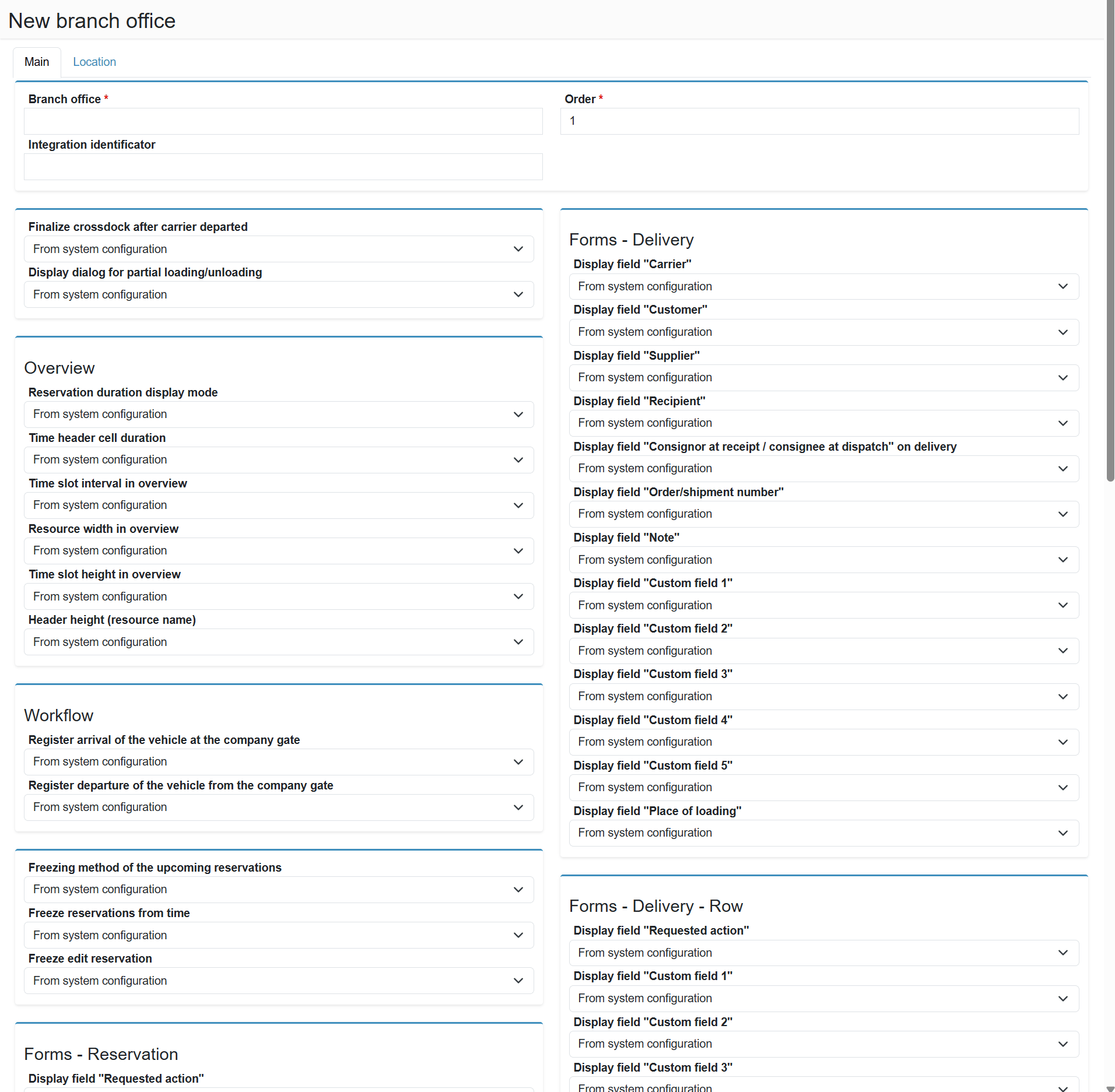
Branch setup does not end with creating the record — After creating a branch, the setup is not complete — you also need to assign carrier companies to the branch and optionally configure inter-branch distances. See Branch offices administration for an overview of all follow-up steps.